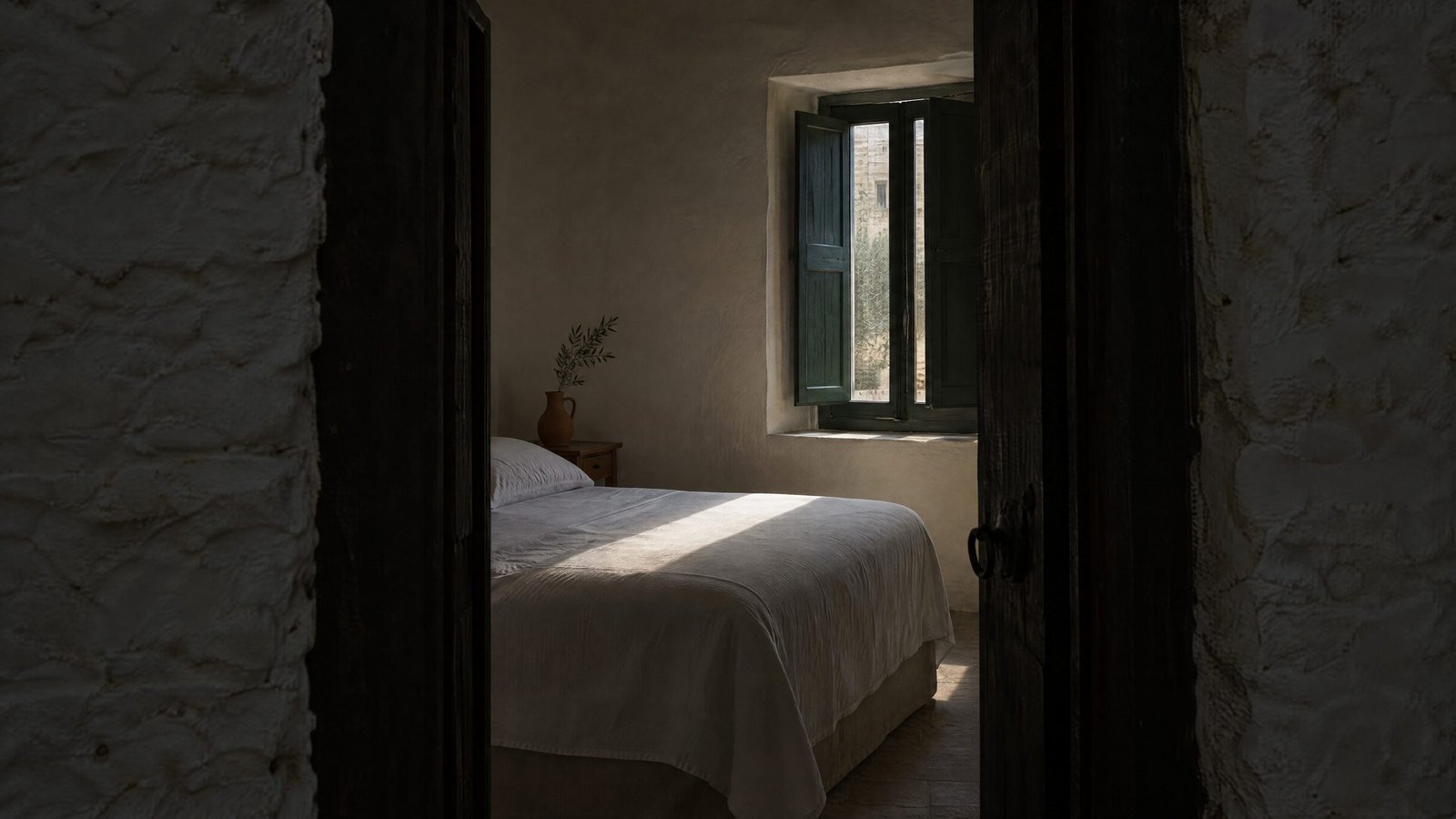
Shoot every room type in full, from a corner, with the whole bed in view, plus the bathroom, the real view, the exterior and entrance, and every shared space. Google's Hotel Center recommends landscape photos of 2048 x 1366 px, and its Business Profile guidance says to add at least three photos of your most popular rooms and one of each common area. Google also asks for no collages, added graphics, HDR effects, heavy filters or fisheye lenses, and photos that represent reality. On Booking.com, the main photo is the one guests see in search results, so choose it carefully. Plan the shoot before the season starts, with every room ready and the light right.
Why do hotel photos matter so much?
Because a room is bought before it is seen. Google's help page for Business Profiles notes that customers rely heavily on photos of guest rooms when they book a hotel (Google Business Profile Help). In its 2026 best practices playbook for hotels, Google reports from its internal data that businesses that add photos to their Business Profiles receive 42% more requests for directions on Google Maps and 35% more clicks through to their websites (Google, Hotels GBP Best Practices Playbook 2026).
The same photos travel everywhere: your Google profile, Booking.com and other OTAs, your website and your social media. One well-planned shoot feeds all of them.
What do Google and Booking.com ask for?
Each platform has its own technical requirements. Shoot at a high resolution and you can export for all of them.
| Platform | Size | Other requirements |
|---|---|---|
| Google Hotel Center | Recommended 2048 x 1366 px, minimum 1024 x 683 px | Landscape, JPG, WEBP or PNG, up to 10 MB |
| Google Business Profile | Recommended 720 x 720 px, minimum 250 x 250 px | JPG or PNG, 10 KB to 5 MB |
| Booking.com (Photo API) | Minimum 300 x 300 px | Up to 299 photos per property, up to 50 MB each |
Source: Google Hotel Center Help, Google Business Profile Help, Booking.com Connectivity.
The minimums are what a platform accepts, not what looks good. A photo at 300 pixels will look poor on a modern phone screen.
What should be on the shot list?
Google's photo recommendations for Hotel Center describe what a complete set of photos covers (Google Hotel Center Help). Turned into a shot list:
Outside
- The building from the front, and the way guests arrive.
- The entrance and the reception.
- The surroundings that guests will actually see: the street, the beach, the garden.
Every room type
- A full-room photo, shot from a corner, so the guest understands the size and layout.
- The bed in full view.
- The main rooms from more than one angle.
- The bathroom.
- The view from the window or balcony, only if that room has it.
- How one room connects to the next, in suites and apartments.
Shared spaces and amenities
- Pool, breakfast room, bar, restaurant, spa, gym, garden, beach area: at least one photo of each. Google's Business Profile guidance asks for at least one photo of each common area (Google Business Profile Help).
- Accessibility features, documented thoroughly: step-free entrances, lifts, accessible bathrooms. Google asks for this explicitly, and for guests who need them, these photos decide the booking.
Google also says to document every unit type. A guest booking your cheapest double room wants to see that room, not your best suite.
What gets hotel photos rejected, or ignored?
Google's recommendations list what to avoid (Google Hotel Center Help):
- Collages and added graphics.
- Removing things that are there, or adding things that aren't real.
- HDR effects, oversaturation, dramatic filters and over-sharpening.
- Fisheye or panoramic phone settings.
- Extreme close-ups, and close-ups of toiletries and appliances with clear branding.
- People outside communal spaces.
For the Business Profile, Google adds that photos should be in focus, well lit, without significant alterations or excessive use of filters or AI, and should represent reality (Google Business Profile Help). That last point matters most. A sea view that only one room has, shown on every room type, brings disappointed guests and bad reviews. Our guide on replying to a bad hotel review covers what happens next.
Which photo should be first?
On Booking.com, the main photo is the one guests see when they search (Booking.com Connectivity, Photo API). It competes with every other hotel on the same results page, so choose the photo that best shows why someone would stay with you: often the best room, the pool or the view, not the facade.
By default, Booking.com orders the rest of your gallery with its own machine learning algorithm, called smart ordering. If you want to set the order yourself, you have to turn smart ordering off first (Booking.com Connectivity, Photo API).
On your own website, you choose the order. Put the room photos next to the room descriptions and prices, where guests make the decision. Our post on why hotel websites leak direct bookings explains why that page matters.
How do you prepare for the shoot?
- Shoot before the season. In Rhodes and the Dodecanese, that means spring, after renovations and before the first guests, so every platform has new photos when bookings pick up.
- Get every room ready. Beds made with fresh linen, no cables, no personal items, no cleaning trolleys in the corridors, the pool clean and the sunbeds lined up.
- Turn all the lights on and open the curtains. Mixed light is better fixed on the day than in editing.
- Plan the light for each space. Rooms that face east look different in the morning than in the afternoon. Shoot exteriors and the pool when the sun lights them, not when it is behind the building.
- Shoot horizontally, since Google's Hotel Center asks for landscape photos, and add a few vertical photos and short videos for Reels and stories.
- Write the shot list down and tick it off on the day. A missing room type means a second shoot.
- Agree on the rights with the photographer: you need to use the photos on every platform, in ads and on social media, for years.
Vibrande is a digital marketing agency in Rhodes, Greece, working mostly with hotels and hospitality brands across Rhodes and the Dodecanese. If you want photos and videos that show your hotel as it really is, our Short-Form Video service makes content for your channels, and you can see our content work in our case studies. Tell us where you're at.
Frequently asked questions
What size should hotel photos be?
Google's Hotel Center recommends landscape photos of 2048 x 1366 px, with a minimum of 1024 x 683 px and up to 10 MB. Google Business Profile accepts JPG or PNG between 10 KB and 5 MB. Shoot at a high resolution and export a version for each platform.
How many photos does a hotel need?
Google's Business Profile guidance says to add at least three photos of your most popular guest rooms and at least one photo of each common area. In practice, cover every room type, the exterior, the entrance and every shared space. Booking.com accepts up to 299 photos per property.
Can I edit hotel photos?
Yes, but lightly. Google asks for no collages, added graphics, HDR effects, oversaturation, dramatic filters or over-sharpening, and no removing or adding elements that aren't real. Photos should represent reality.
Which photo should be the main photo on Booking.com?
The main photo is the one guests see in search results, so choose the one that best shows why someone would stay with you, such as the best room, the pool or the view. Booking.com orders the rest with smart ordering unless you turn it off.
When is the best time for a hotel photo shoot?
Before the season, when renovations are finished and the hotel is ready but has no guests. That way every platform has new photos when bookings pick up.
Sources
- Google Business Profile Help, Tips for business-specific photos on your Business Profile.
- Google, Hotels GBP Best Practices Playbook 2026 (PDF).
- Google Hotel Center Help, Photo recommendations and best practices.
- Booking.com Connectivity, Step 11 - Add property photos.
- Booking.com Connectivity, Understanding the Photo API.